Appearance
imper.ai guides new employees through a secure and simple enrollment process, ensuring that identity verification and credential activation are completed before the employee’s first day.
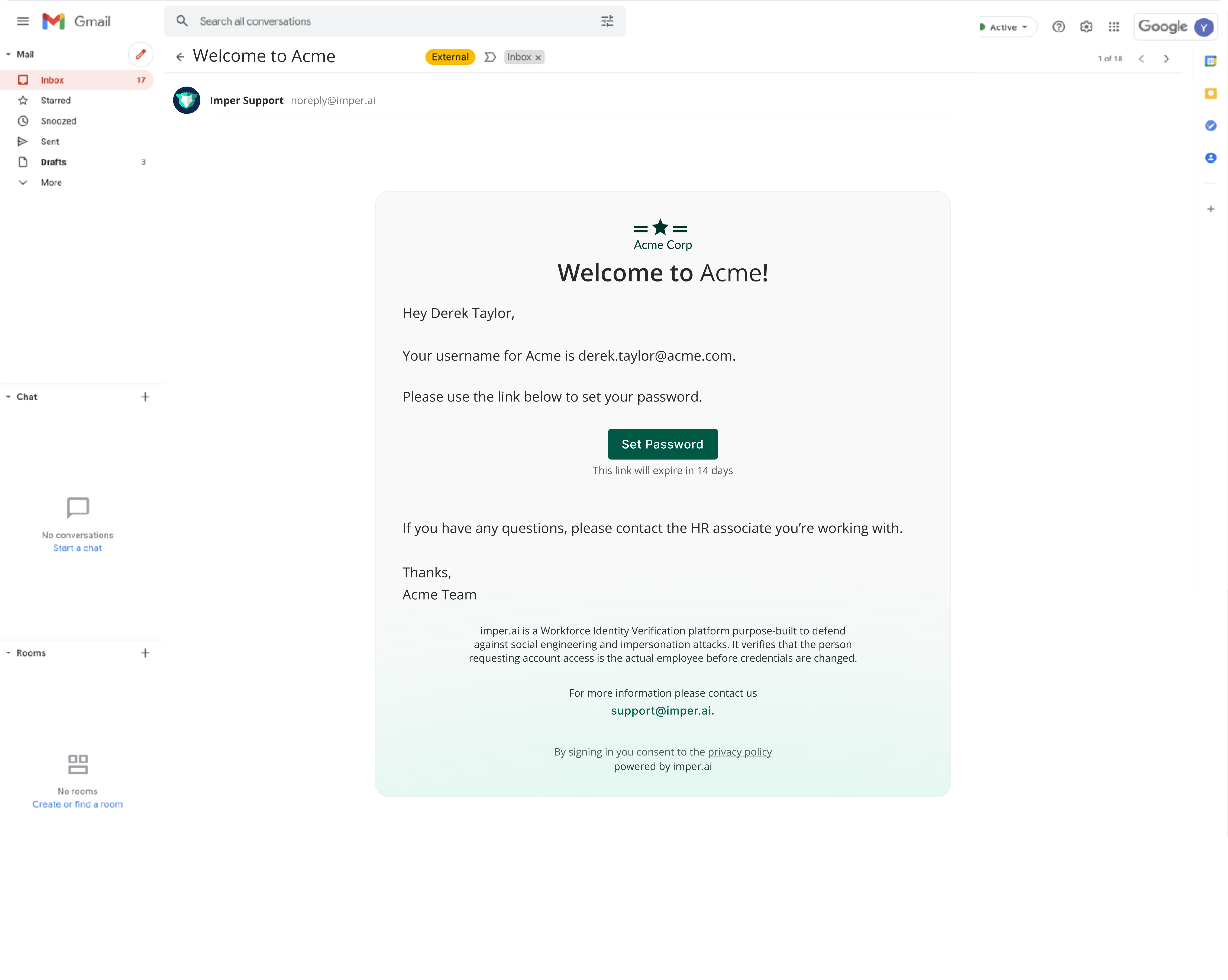
Step 1 – Enrollment Invitation
Once a new employee is marked as “Hired” in the HR system, imper.ai automatically sends a secure welcome email containing a unique enrollment link.
This email invites the employee to begin the onboarding process and explains the steps required to activate their corporate access.
Step 2 – Identity Verification
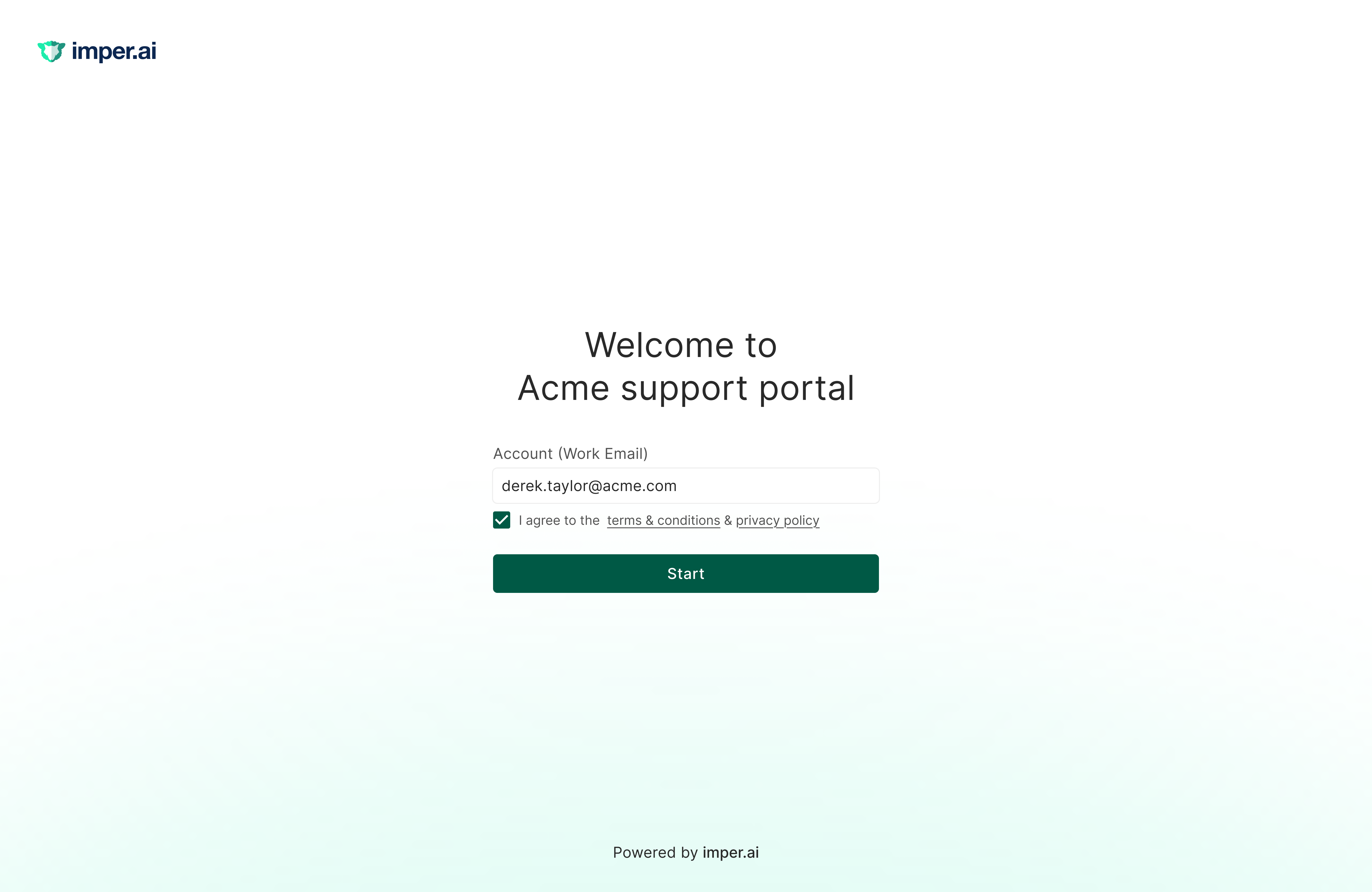
After clicking the link, the employee is guided through the imper.ai verification flow.
The verification process confirms that the person completing the enrollment is the legitimate employee. Only successfully verified users are allowed to continue to the next step.
If verification does not pass, the employee cannot continue to password creation and the enrollment is not completed. The unsuccessful attempt is recorded in imper.ai, so HR and security teams can review it on the Enrollments page and the Dashboard, and follow up if a malicious attempt is suspected.
Step 3 – Setup Access
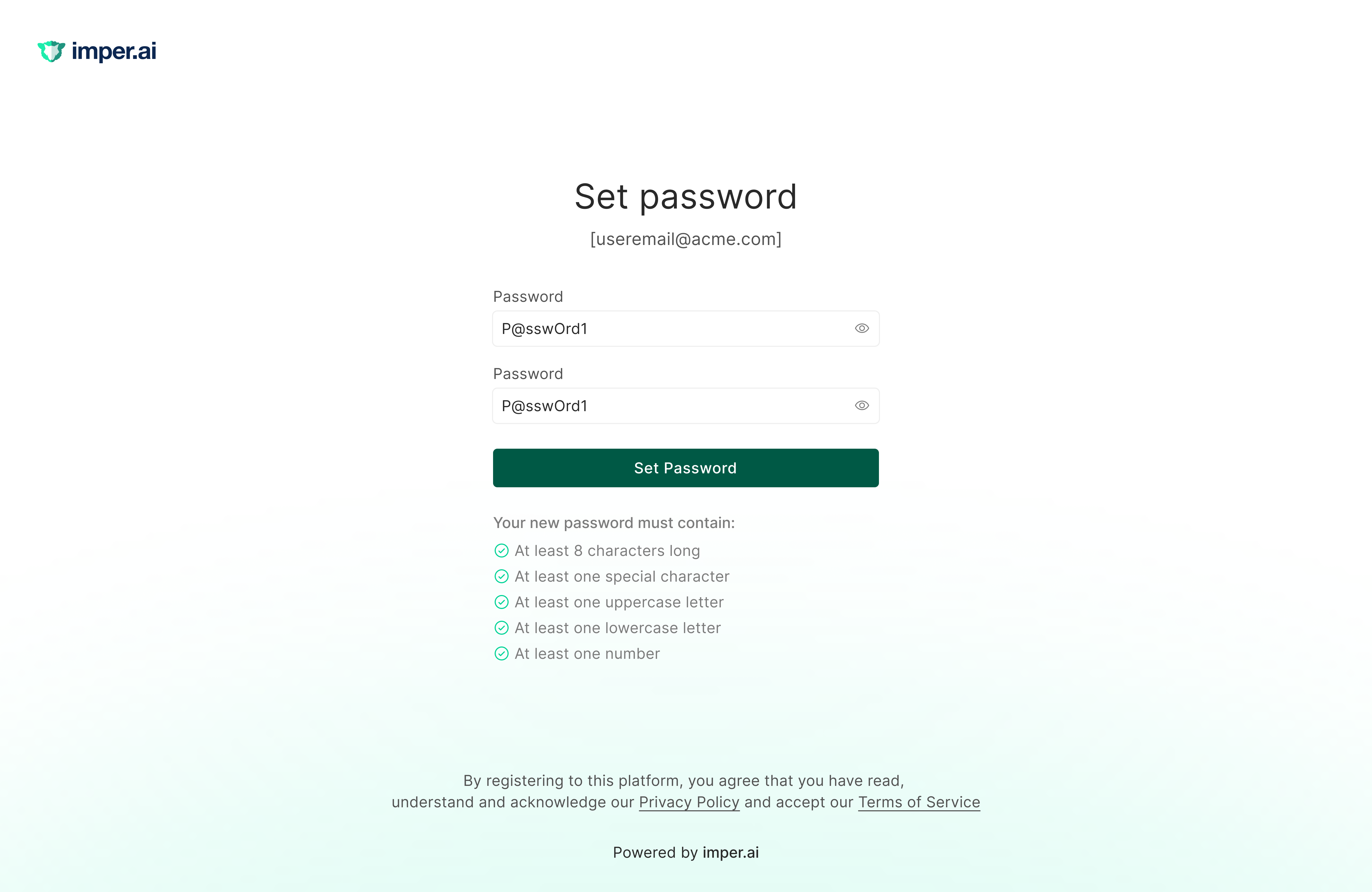
Once identity verification is completed, the employee is redirected to the Setup Access page. What they see here is determined by the access recovery method the admin selects in Enrollment Settings - the employee is presented with one of the following:
Set a new password - the employee securely creates a corporate password according to the organization’s password policy. The password is immediately applied to the connected identity system.
Get a Temporary access pass (TAP) - the employee receives a time-limited passcode they can use to log in, without setting a password.
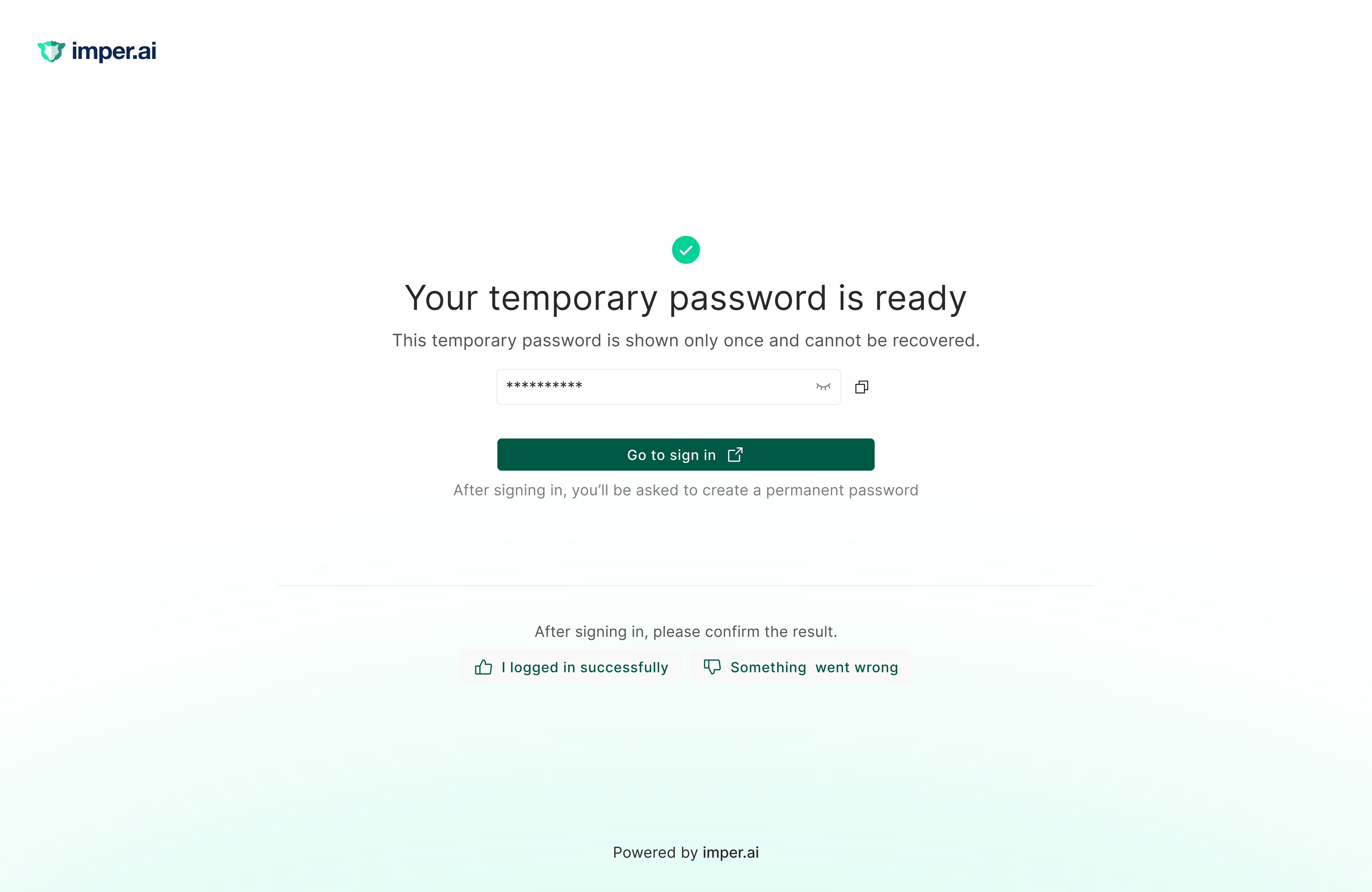
Step 4 – Enrollment Completion
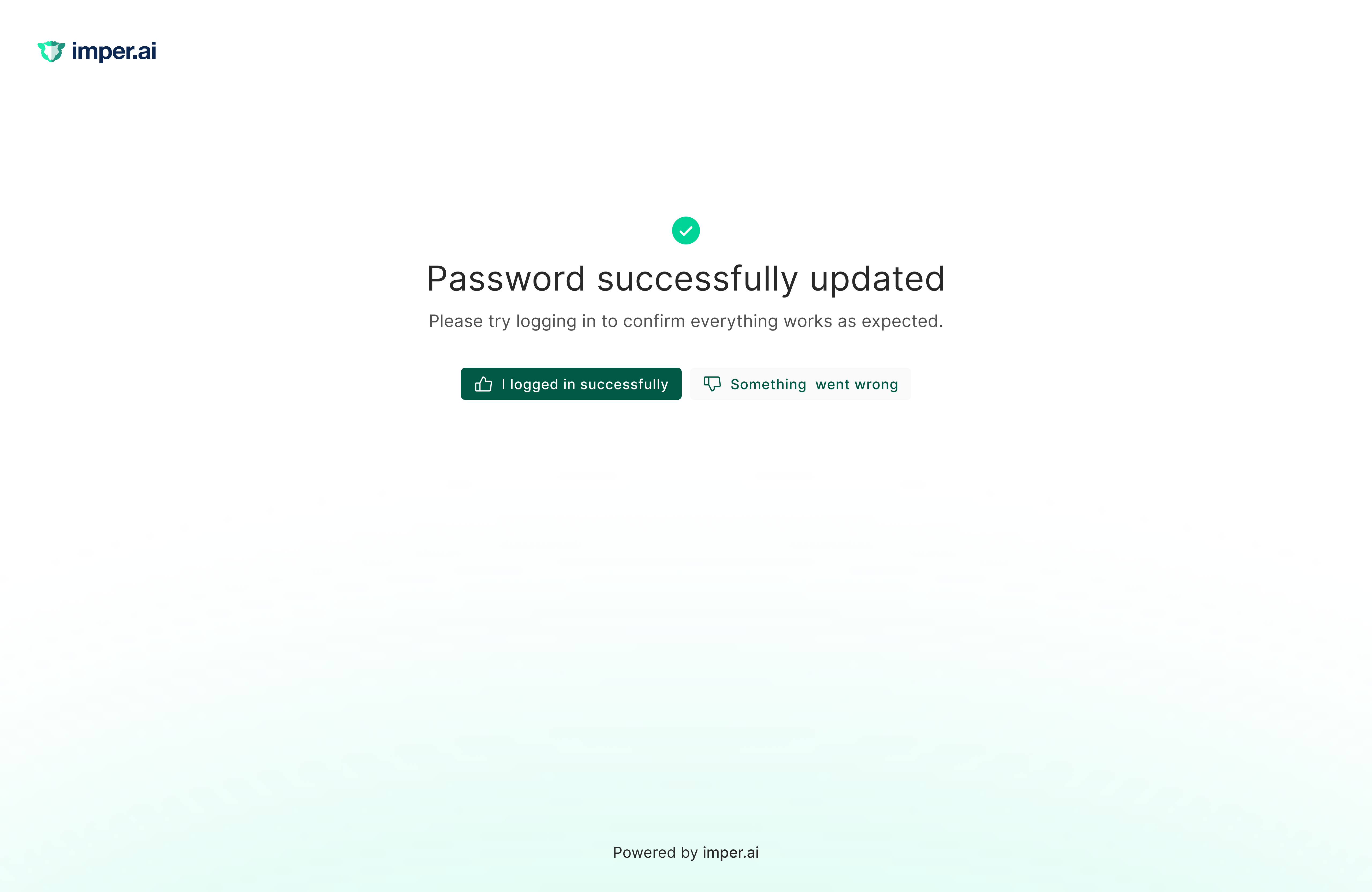
After the password is successfully set, the employee receives confirmation that their account is ready.
At this point, the employee can securely access corporate systems on their first day.