Skip to content
imper.ai

Enrollment Settings

The Enrollment Settings page controls how enrollment links behave when new hires complete their enrollment. These settings directly affect both your security posture and the new hire experience.

NOTE

Changes to these settings apply immediately and affect all applicable enrollment flows.


Enrollment Process

These settings control how enrollment links behave when new hires complete their enrollment.

Sets how long an enrollment link remains valid before it expires. Once the time window passes, the link becomes invalid and a new enrollment link must be sent to the new hire.

Shorter expiration times reduce the risk of link reuse or interception. Longer times give new hires more flexibility to complete enrollment before their start date.

Daily Enrollment Send Limit

Sets how many enrollment links can be sent to a single new hire per day. Once the limit is reached, additional sends for that user are blocked until the next day.

This helps prevent accidental or abusive repeated sends while still allowing for legitimate resends.

Sets how many verification attempts can be made with a single enrollment link. When the attempt limit is reached, the link can no longer be used and a new enrollment link must be issued.

This protects against repeated guessing on a single link while still allowing for legitimate retries.

Enrollment Process settings


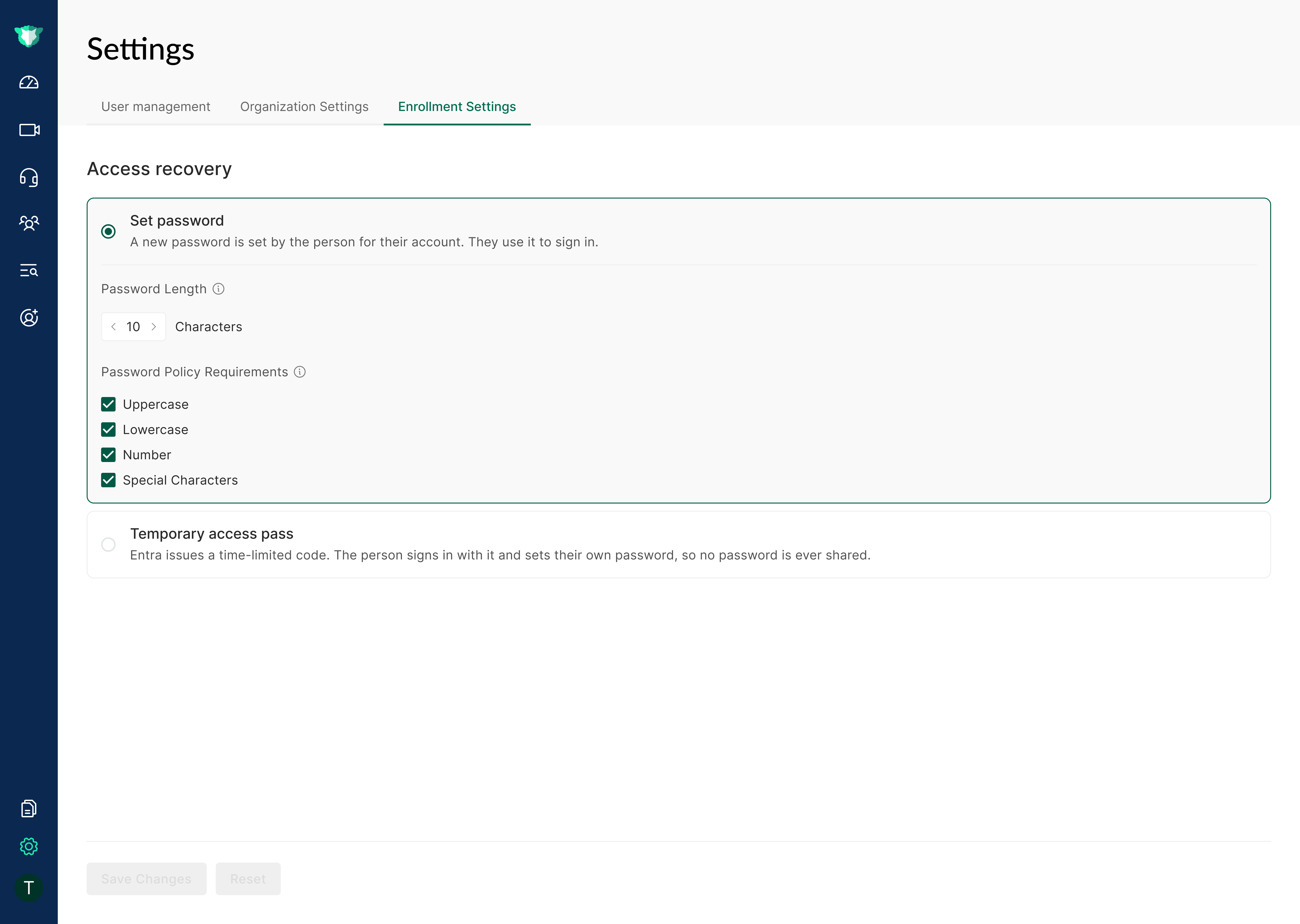
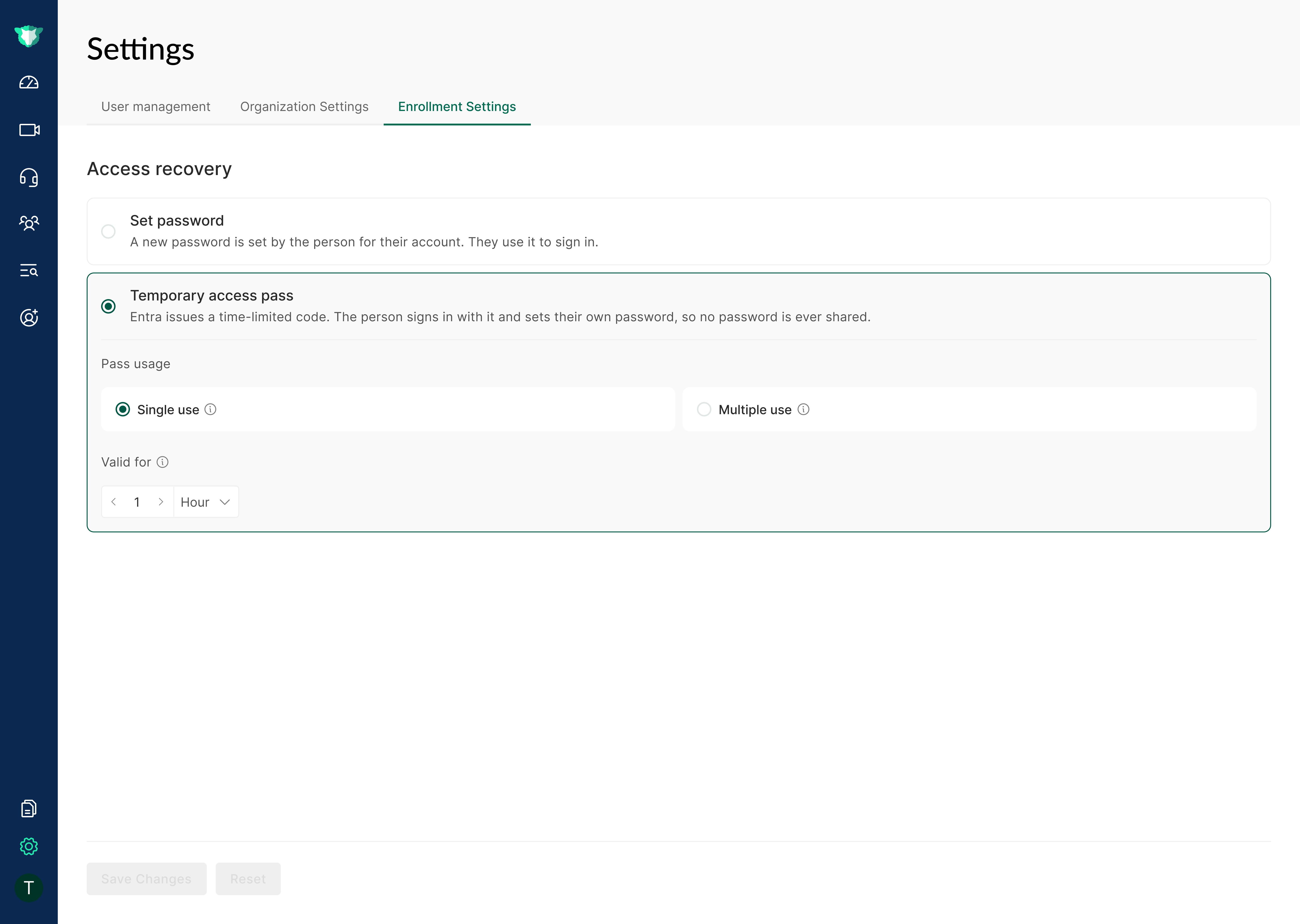
Password Policy

Configure the password policy that applies when a new hire sets their corporate password during enrollment, ensuring new passwords meet your organization's complexity and security requirements.

Password Policy settings